





Un nuovo script open source consente agli utenti di Windows 11 di disattivare in modo esteso le funzionalità di intelligenza artificiale integrate nel sistema operativo. Il progetto, sviluppato da Zoicware, si chiama RemoveWindowsAI e nasce con l’obiettivo di offrire maggiore controllo sulle componenti AI introdotte da Microsoft.
Lo script permette di rimuovere o disabilitare le principali funzioni di intelligenza artificiale presenti nelle versioni ufficiali di Windows 11. L’esecuzione avviene tramite un semplice comando all’interno della console PowerShell, senza la necessità di software aggiuntivi. Una volta avviato, l’utente si trova davanti a un elenco strutturato di opzioni che consente di intervenire sui singoli componenti.
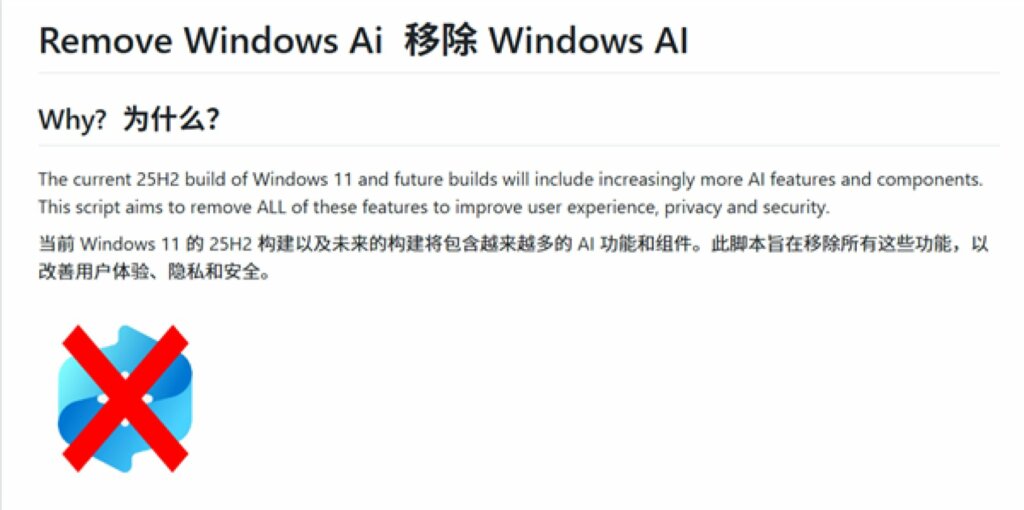
Le modifiche applicate dallo script agiscono principalmente attraverso il registro di sistema o rendendo invisibili alcune funzionalità all’interno dell’app Impostazioni. In questo modo, le componenti AI non vengono semplicemente “nascoste“, ma disattivate in maniera coerente con le configurazioni del sistema.
Uno degli aspetti centrali di RemoveWindowsAI è la presenza di una modalità di ripristino.
Questa funzione consente di riattivare in qualsiasi momento tutte le funzionalità di intelligenza artificiale precedentemente disabilitate, permettendo all’utente di tornare alla configurazione originale senza interventi manuali complessi.
Gli sviluppatori hanno precisato che lo script è progettato per operare esclusivamente sulle funzionalità di intelligenza artificiale già rilasciate ufficialmente da Microsoft. Le componenti presenti nelle versioni di anteprima o nei canali di test non vengono incluse, una scelta mirata a garantire stabilità operativa e ridurre il rischio di comportamenti imprevisti.
Oltre allo script vero e proprio, il repository GitHub del progetto mette a disposizione una serie di istruzioni per disattivare manualmente ulteriori funzioni basate sull’AI.
Tra queste rientrano strumenti come Gaming Copilot, che possono essere disabilitati attraverso semplici opzioni di sistema, spesso tramite un interruttore dedicato nelle impostazioni.
Ti è piaciuto questo articolo? Ne stiamo discutendo nella nostra Community su LinkedIn, Facebook e Instagram. Seguici anche su Google News, per ricevere aggiornamenti quotidiani sulla sicurezza informatica o Scrivici se desideri segnalarci notizie, approfondimenti o contributi da pubblicare.

 Cybercrime
 Innovazione
 Cybercrime
 Vulnerabilità
 Innovazione